Sending SMS Messages
Vantage includes the built-in functionality for sending SMS messages to mobile phones.
Please be aware there are additional charges for this service.
Purchasing SMS Credits
In order to send SMS messages within Vantage, you will first need to top up SMS credits on your account. The easiest way to do this, and to quickly check your balance, is to add the SMS Credits widget to your dashboard.
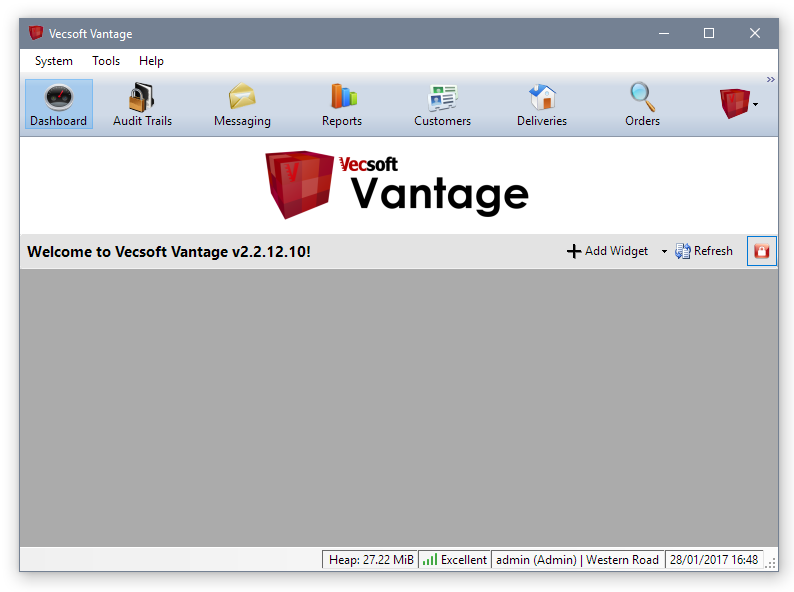
To do this, first switch to the dashboard panel. It has this icon:

Click to switch to your dashboard. If you haven't set up your dashboard before, it will be an empty grey area:
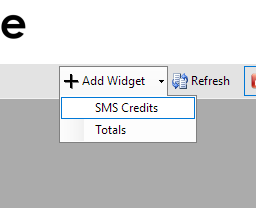
To add the SMS Credits widget, click the 'Add Widget' button and choose 'SMS Credits':
The SMS Credits widget will appear on your dashboard, which looks like this:
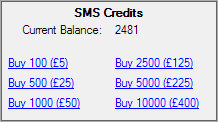
At the top of the widget, you can see your current balance. If you haven't bought SMS credits before, this is probably zero. Below, you can see options for buying various quantities of SMS credits. There are per-credit discounts for higher volumes.
When you click one of the purchase links, you'll get a confirmation window:
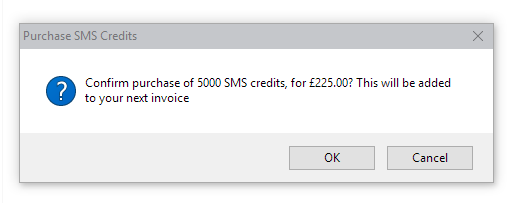
Click OK to accept the purchase. The amount will be added to your next invoice. The balance indicated on the widget should update immediately. If it does not update to reflect your purchase, please contact Vecsoft Support.
Sending SMS Messages
To send SMS messages, switch to the 'Messaging' panel. Then, click 'Send Message' in the toolbar and select 'Send Text Message'. A new message window will open:
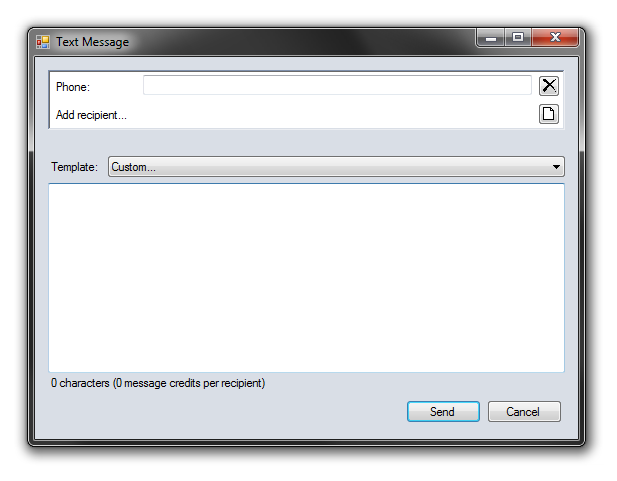
To send a simple message to a single number, enter the number in the box next to 'Phone', type your message in the large space below, and click 'Send'.
Whilst you are typing your message, you can see a hint at the bottom which shows you how many credits your message will take to send.
Sending to many recipients at once
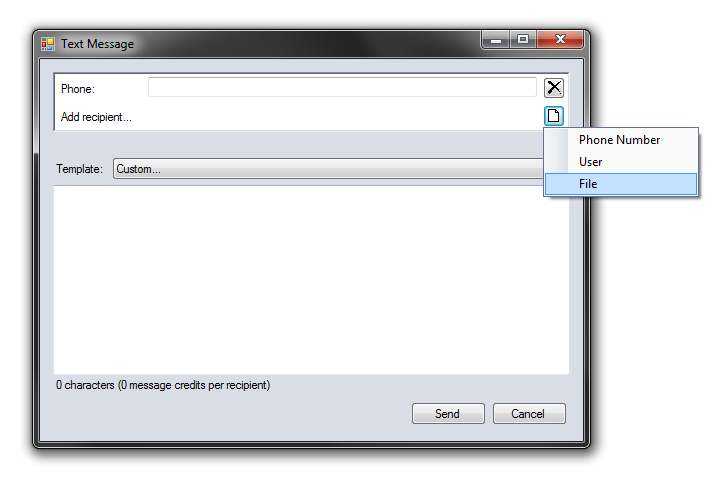
If you need to send messages to many recipients at once, you can create a text file that contains a large list of numbers. Then, click the icon in line with 'Add recipient' and select 'File':
Locate the file that contains the phone numbers. Vantage will analyse the file and extract all unique mobile numbers. The results are then displayed in the recipients pane of the message window:
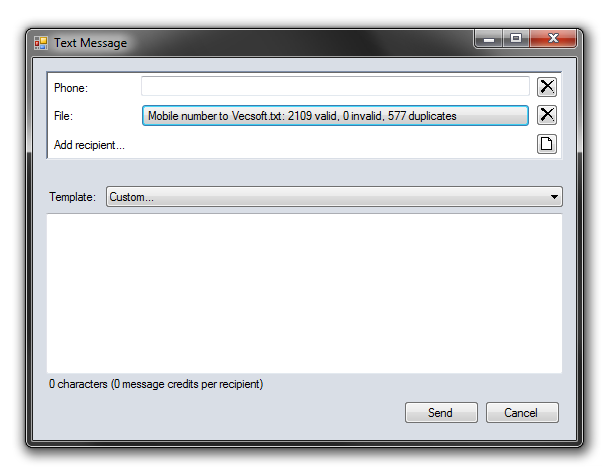
You can then simply type your message and click 'Send' and the message will be sent to all recipients. Please note, you will need to ensure you have enough credits to send to the number of recipients you are targeting.
Using Your Customer Database
Several other customer-related panels and tools in Vantage integrate with the SMS-sending functionality.
To see how to send SMS messages to customers from your hospitality database, see Communicating with Customers.